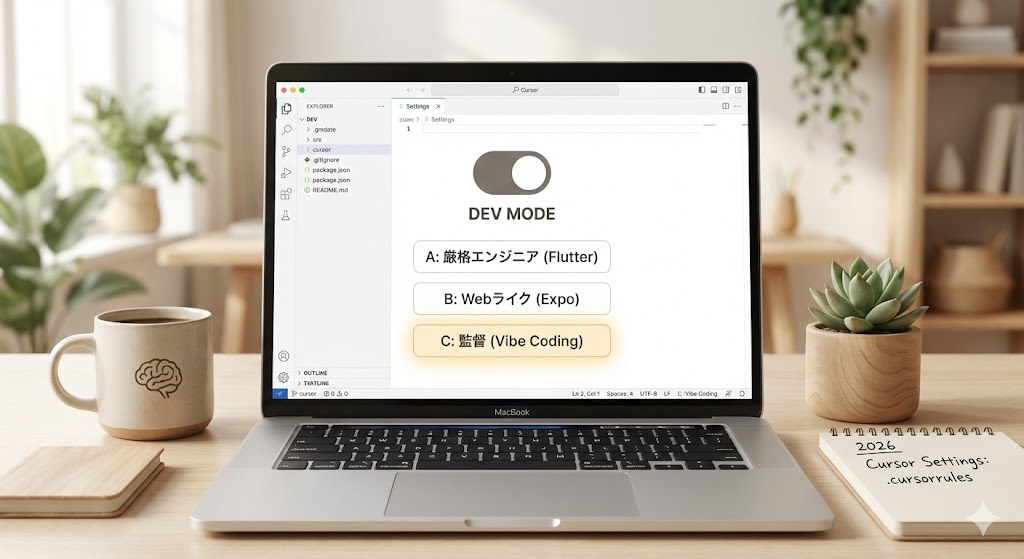
ツールは使い手次第で武器にも足枷にもなります。 あなたの選んだルート(Flutter vs Expo)や、開発スタイル(自力実装派 vs 指示出し派)に合わせて、Cursorの設定をチューニングしましょう。
タイプA:【Flutter特化】厳格エンジニア設定
Dartの型安全性を活かし、堅牢なアプリを作りたい人向けの設定です。
目的: 自動生成ファイルのノイズを減らし、AIに正確なWidgetツリーを書かせる。
1. 基本設定 (Settings > General)
- Rules for AI: 以下のプロンプトを常駐させます。”Always prioritize type safety. Use
constconstructors wherever possible. When using Riverpod, preferConsumerWidgetoverStatefulWidget.” - Codebase Indexing:
ON(必須)
2. .cursorrules (プロジェクトルートに配置)
Flutter開発では、freezedなどの自動生成ファイルをAIが読み込んで混乱するのを防ぐのがコツです。
Markdown
# .cursorrules for Flutter

- **Framework:** Flutter (Latest Stable)
- **State Management:** Riverpod (Generator syntax preferred)
- **Style:** - Use `const` for widgets strictly.
  - Separate UI into small, reusable widgets.
  - Never put logic inside `build` methods.
- **Ignored Files:** - Do NOT edit `*.g.dart`, `*.freezed.dart`.
  - Treat these as read-only context.
- **Testing:** specific widget testing is required for complex UI.
タイプB:【Expo (React Native) 特化】Webライク設定
Webのスピード感を持ち込み、柔軟にUIを作りたい人向けの設定です。
目的: Tailwind (NativeWind) を活用し、爆速で見た目を整える。
1. 基本設定 (Settings > General)
- Rules for AI:“You are an expert in React Native and Expo. Prefer functional components and hooks. Use NativeWind for styling. Do not use
StyleSheet.createunless necessary.”
2. .cursorrules (プロジェクトルートに配置)
Web開発(React)の知識と混同しないよう、React Native特有の制約を明記します。
Markdown
# .cursorrules for Expo

- **Framework:** Expo (SDK 52+), Expo Router
- **Language:** TypeScript (Strict mode)
- **Styling:** - Use `NativeWind` (Tailwind CSS classes).
  - Avoid inline styles.
- **Navigation:** Use file-based routing via `expo-router`.
- **Constraint:** - Remember `<div>` and `<span>` do not exist. Use `<View>` and `<Text>`.
  - Use `<SafeAreaView>` for top-level layout.
タイプC:【監督(ディレクター)特化】Vibe Coding全振り設定
コードの細部は見ず、ひたすら「Composer(Cmd+I)」で機能を追加していくスタイルです。非エンジニアや、プロトタイピング重視の方はこちら。
目的: とにかく対話のコストを下げ、AIに自律的に動いてもらう。
1. 基本設定 (Settings > Beta)
- Cursor Predict:
ON(次の変更箇所を予測させる) - Composer Mode:
Enabled(常にマルチファイル編集モードで待機)
2. .cursorrules (プロジェクトルートに配置)
技術的な指定よりも、「振る舞い」や「進め方」を指示します。
Markdown
# .cursorrules for Director Mode

- **Role:** You are a Senior Tech Lead. I am the Product Manager.
- **Workflow:**
  1. Understand the goal from my prompt.
  2. If the prompt is ambiguous, ask ONE clarifying question.
  3. Implement across multiple files immediately.
  4. Run a self-check for basic errors before finishing.
- **Language:**
  - Explain your plan in Japanese.
  - Write comments in code in Japanese.
  - Keep variable names in English.
- **Philosophy:** "Move fast and break things." Prioritize speed over perfect architecture for now.
設定の適用方法
- プロジェクトの直下に
.cursorrulesという名前のファイルを作成する。 - 上記のコードブロック(タイプA〜Cのいずれか)をコピペする。
- Cursorを再起動(または
Cmd+R)する。
たったこれだけで、AIの回答精度が劇的に向上し、「そうじゃないんだよな…」というストレスが激減します。まずはタイプCから始めて、徐々に技術的な制約(タイプA/B)を足していくのがおすすめです。